POS specific discounts
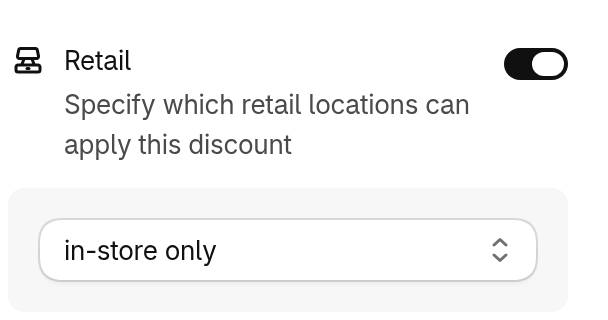
Discount Kit discounts work in Shopify Point of Sale as well as online. The Retail condition decides where a discount applies: only in store, only online, or at the retail locations you choose.
Limit a discount to POS or online
Section titled “Limit a discount to POS or online”-
Open the discount in Discount Kit
-
Turn on Retail in the sidebar’s conditions
-
Choose where it applies
- in-store only — at every retail location, and never online.
- online only — never in store.
- is one of — only at the retail locations you pick, and never online.
- is none of — online, and at every retail location except the ones you pick.
-
Click Save
With Retail off, the discount applies both online and in store.
The Retail condition is in the editor of the discount types you set up in the Discount Kit app. Sale and Tiered rewards discounts don’t have it.